
Built For Surface Designers
Stop Juggling Five Apps To Ship One Pattern.
Test repeats. Drop your pattern on 29 product mockups. Watermark for socials. Export print-ready files. All in one tab — without Photoshop, Canva, or Placeit.
🔒 Your patterns never leave your computer. No AI. No uploads. No exceptions.
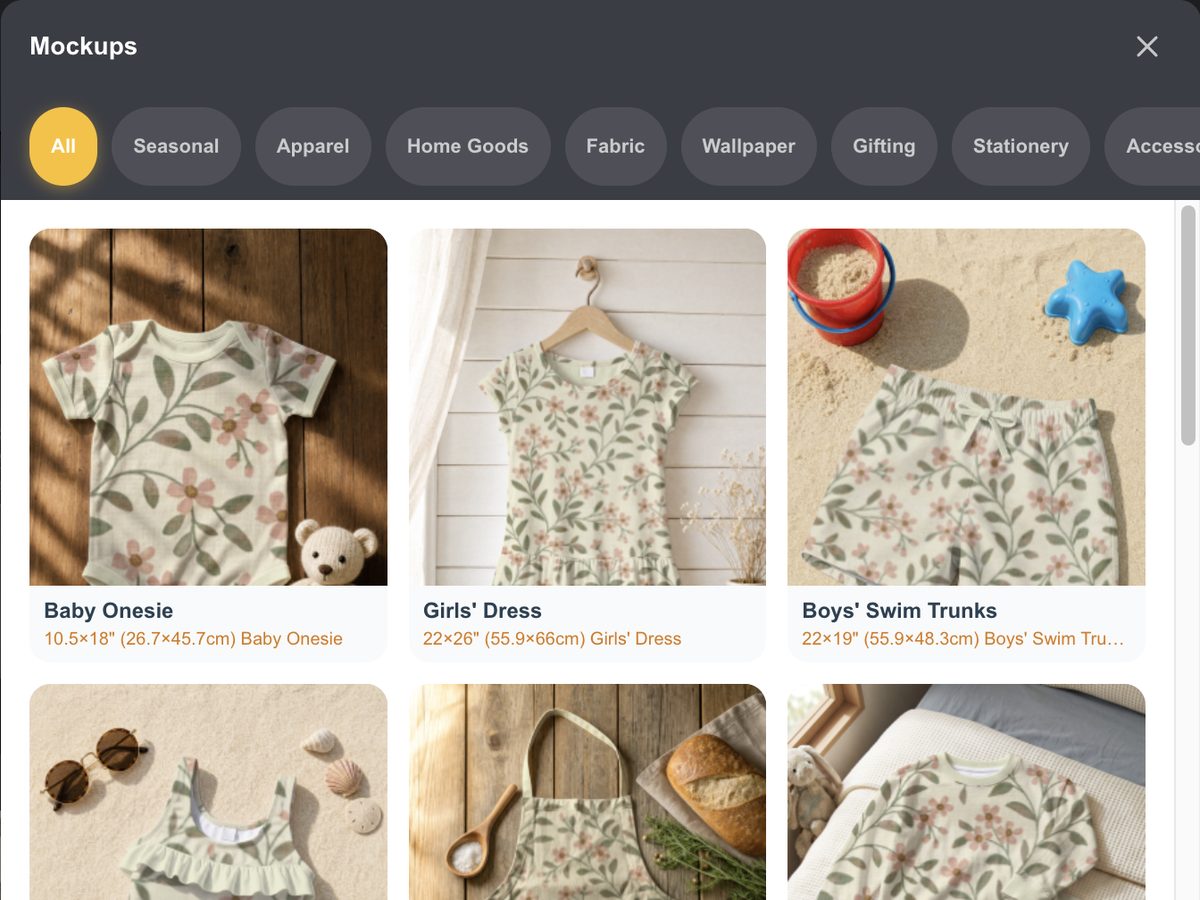
See Your Patterns On 29 Real Products
From baby onesies to wallpaper, girls' dresses to tea towels — drop your pattern on any of 29 product mockups, drag to position it exactly where you want, and export a portfolio-worthy shot. Without Photoshop.
Apparel. Home goods. Wallpaper. Gifting. Stationery. Accessories. Drag your pattern onto any of them and export.
More Than A Pattern Tester
PatternPAL Pro is the daily workspace for surface designers running a creative business. The Print Approval Lab (PAL) is built around what you actually do all day: test repeats, mockup products, watermark for socials, export production files. Without subscribing to five different apps to do it.
Drop in your tile. Preview the repeat at real-world print scale. Catch seam issues at 800% zoom. Drag your pattern onto any of 29 product mockups. Slap your logo watermark on a social preview. Batch-export 8 sizes for Spoonflower. All inside one browser tab. No Photoshop. No Canva. No Placeit. No uploads.
And no AI ever touching your art. Your patterns stay on your computer, every step of the way.
How It Works
Three steps from "I think this repeats okay" to "shop listing live, social posts queued."
Drop In Your Tile
Upload your seamless tile (JPG or PNG). Loads instantly. No waiting, no servers, no account required for your first three tests.
Test, Mockup, Watermark
Preview the repeat at real-world scale (2"–24"). Drag your pattern onto product mockups. Upload your logo for the social watermark. Inspect seams at 800% zoom.
Export Like A Pro
Batch-export 8 print-ready sizes for Spoonflower or your manufacturer. Or grab 5 platform-ready social previews — watermark and product mockup baked in. All as one ZIP.
The Old Way vs. The PatternPAL Way
What it actually takes to get one pattern collection from sketch to shop, with and without PatternPAL.
❌ The Old Way
- Hand-test repeats in Photoshop or Procreate
- Guess at scale and export sizes
- Manually export every size, format, and DPI
- Fight the Silhouette grid bug after every upload
- Open Canva, resize for 5 platforms, add watermark, repeat
- Open Placeit, hunt for the right mockup, hope it works
- 3–5 hours per collection on resizing alone
- Cross fingers, send file, pray the repeat holds
✅ The PatternPAL Way
- Test repeats in seconds at actual print scale
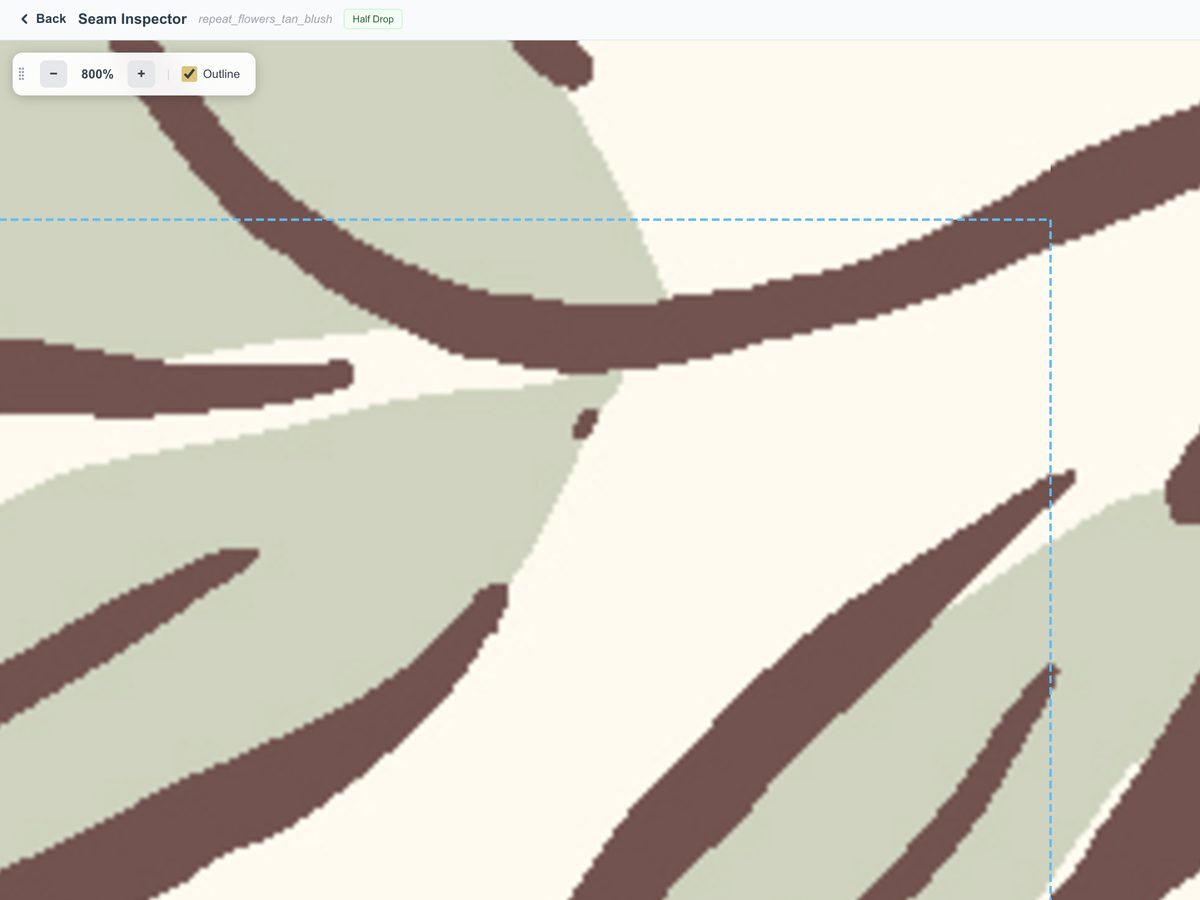
- Inspect seams at 800% zoom — catch what you'd miss at 100%
- Batch-export 8 sizes, multiple formats, multiple DPIs in one click
- Cricut & Silhouette files solved automatically
- 5 platform-ready social images — with your logo watermark + product mockup baked in
- 29 product mockups built right in. Drag your pattern. Done.
- Full collection ready in minutes
- Send files knowing the repeat is rock solid
See It In Action
A 2-minute tour of what your workflow looks like inside PatternPAL Pro.
👋 Stop reading. Start testing. Your first three pattern tests are free, no account needed.
Test A Pattern Right NowThe Three Features That Save You The Most Time
These are the Pro features designers tell me they can't go back from.
📱 Social Media Export
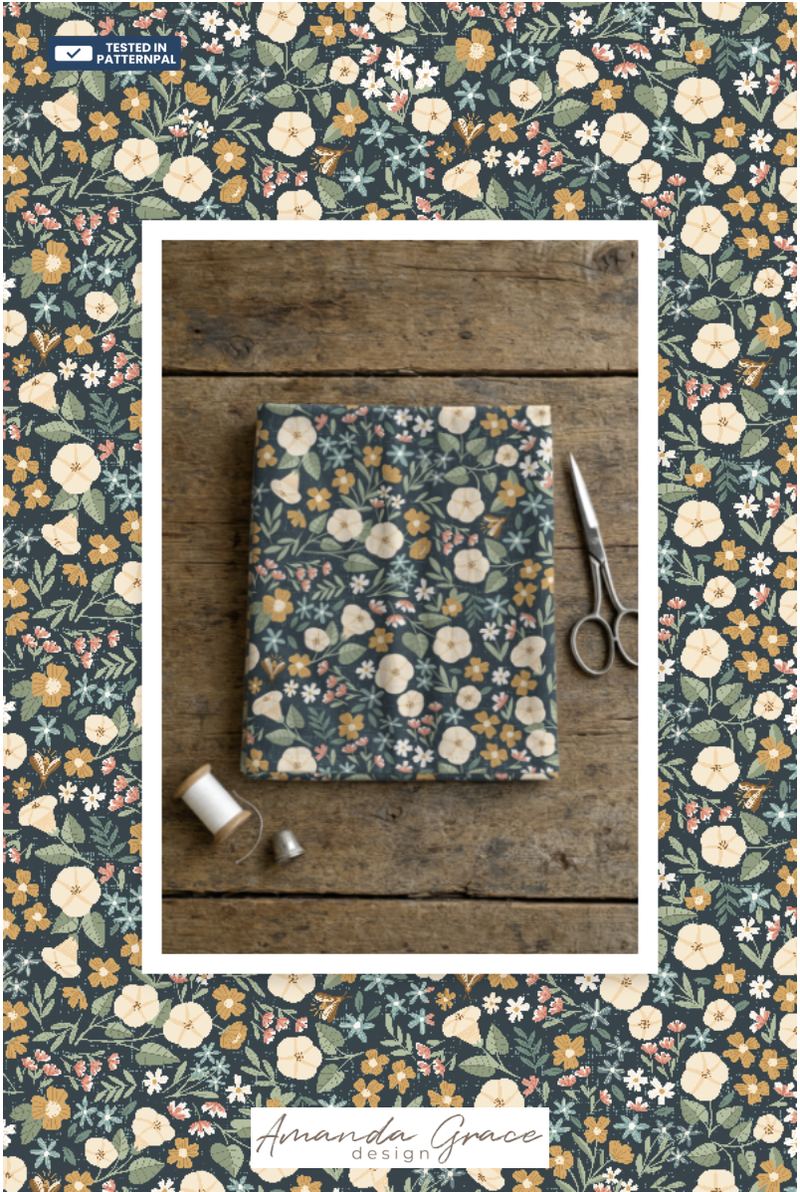
Generate 5 platform-perfect previews for Instagram, Pinterest, TikTok, Stories, and Reels — with your uploaded logo watermark and a product mockup overlay baked in. From pattern to post-ready in under 60 seconds.
👕 29 Product Mockups + Drag-to-Position
Apparel, home goods, fabric, wallpaper, gifting, stationery, accessories. Drag your pattern within any mockup to align it exactly where you want. Portfolio-ready, no Photoshop required.
📦 Easyscale Export
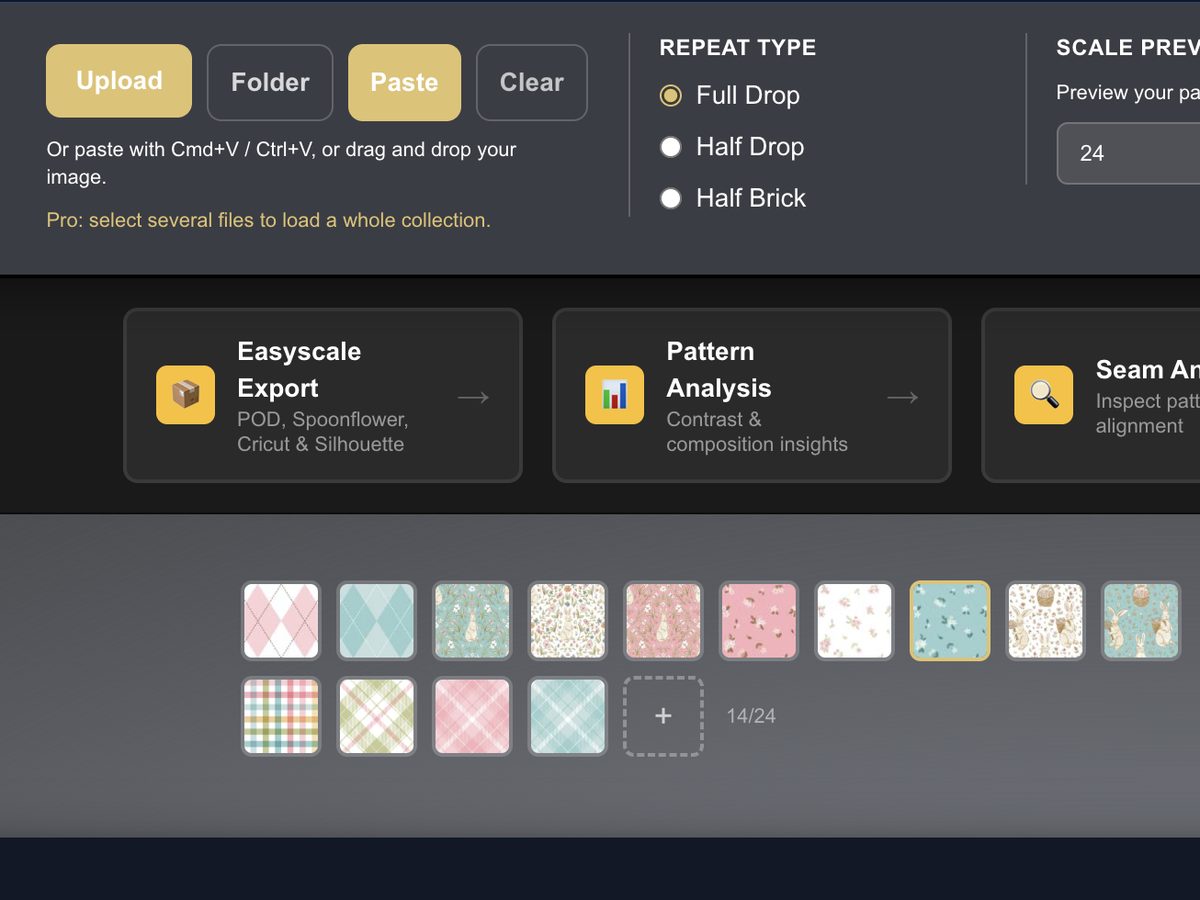
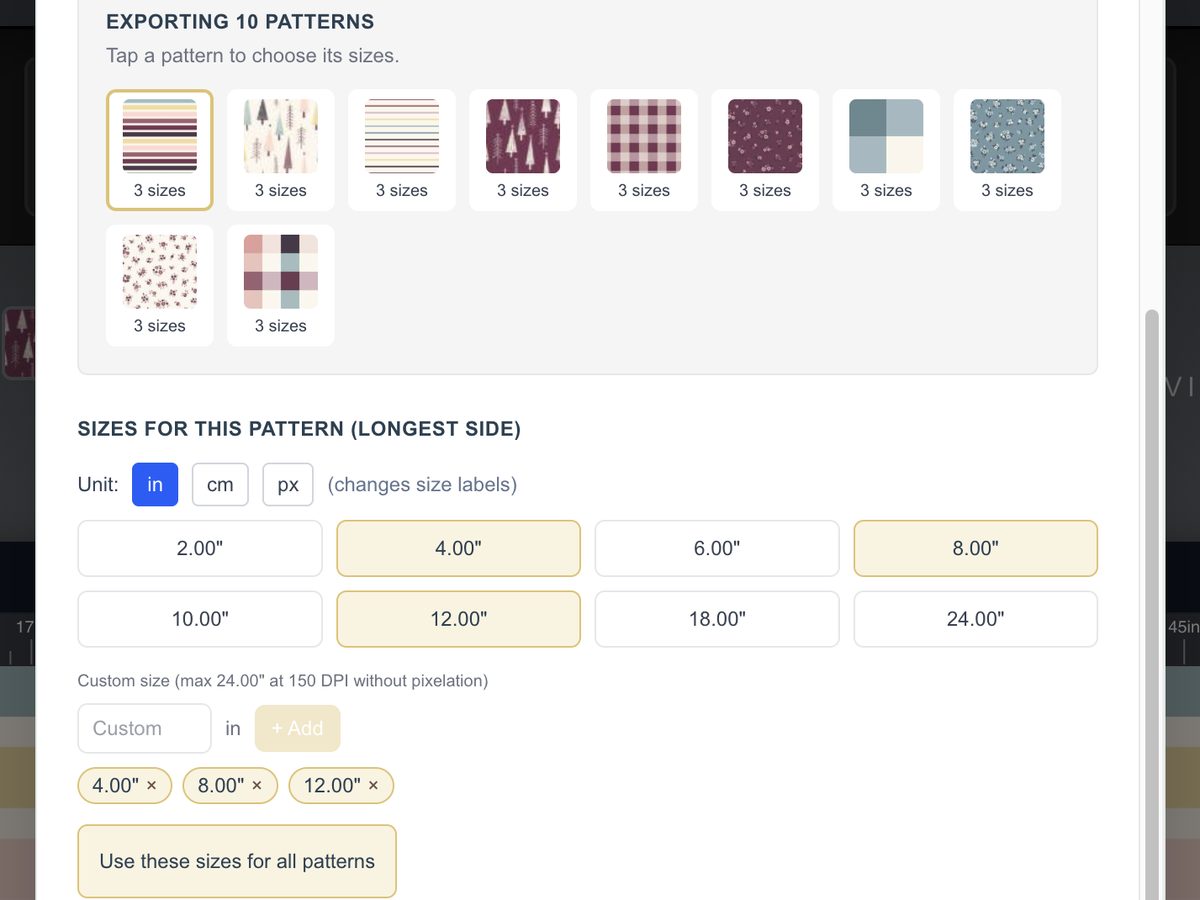
Batch-export 8+ sizes (or any custom size) in JPG, PNG, or TIFF at 150 or 300 DPI. Built-in upscaling protection so you never accidentally ship a blurry file. The Silhouette grid bug? Solved automatically.
Plus Everything Else You Need In One Tab
👁️ Pattern Preview
Instant repeat preview with full drop, half drop, and brick options. Spot eyeflow issues before they cost you a print run.
📏 Real-World Scale
Preview at actual print sizes from 2" to 24". No more surprises on fabric, wallpaper, or wrapping paper.
📐 Built-In Ruler
Measure in inches, centimeters, or pixels right on the canvas. Always know the real-world size of your tile.
⚡ Quick Export
Grab two standard JPG sizes in a couple of clicks. Fast samples, quick approvals.
📄 Pattern Fill Export
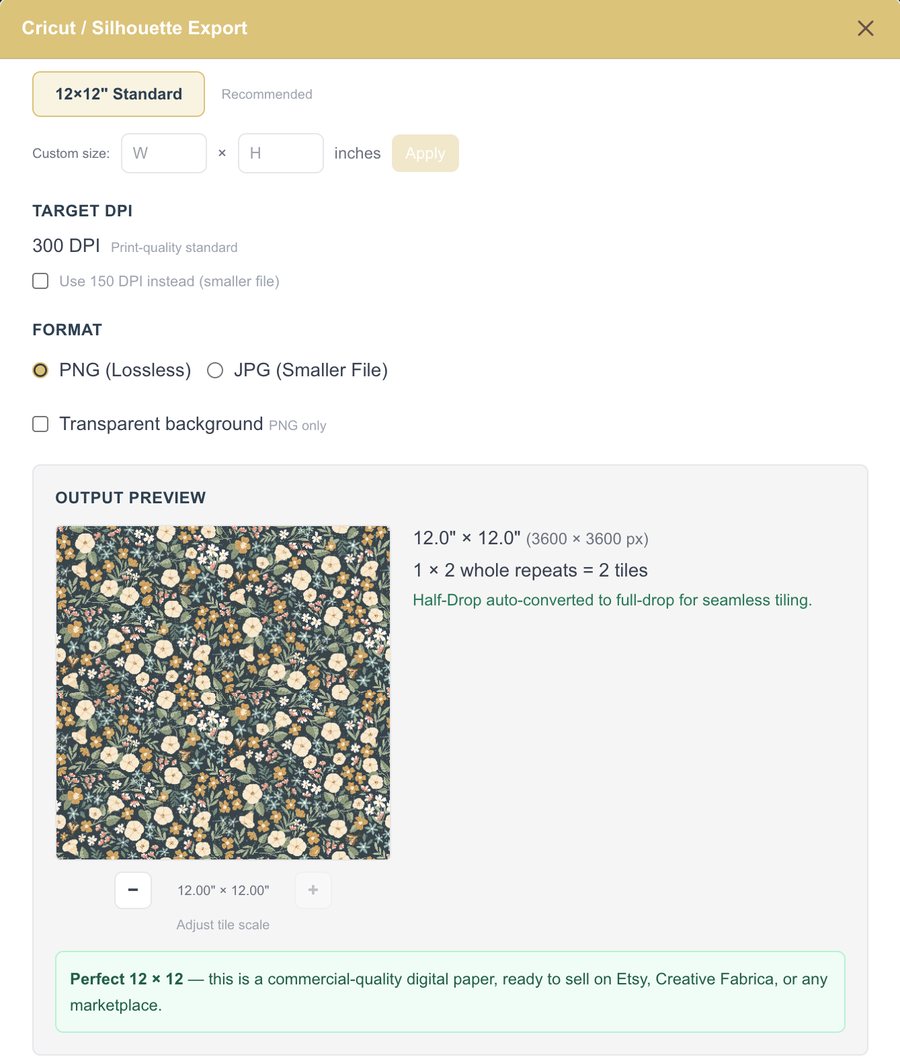
Marketplace-ready 12×12" digital papers at 300 DPI for Cricut, Silhouette, and Etsy. Silhouette grid bug solved automatically.
🔍 Seam Inspector
Full-screen analysis view with smooth zoom up to 800%. The broken seam you can't see at 100%? You'll catch it here.
🎨 Color & Composition
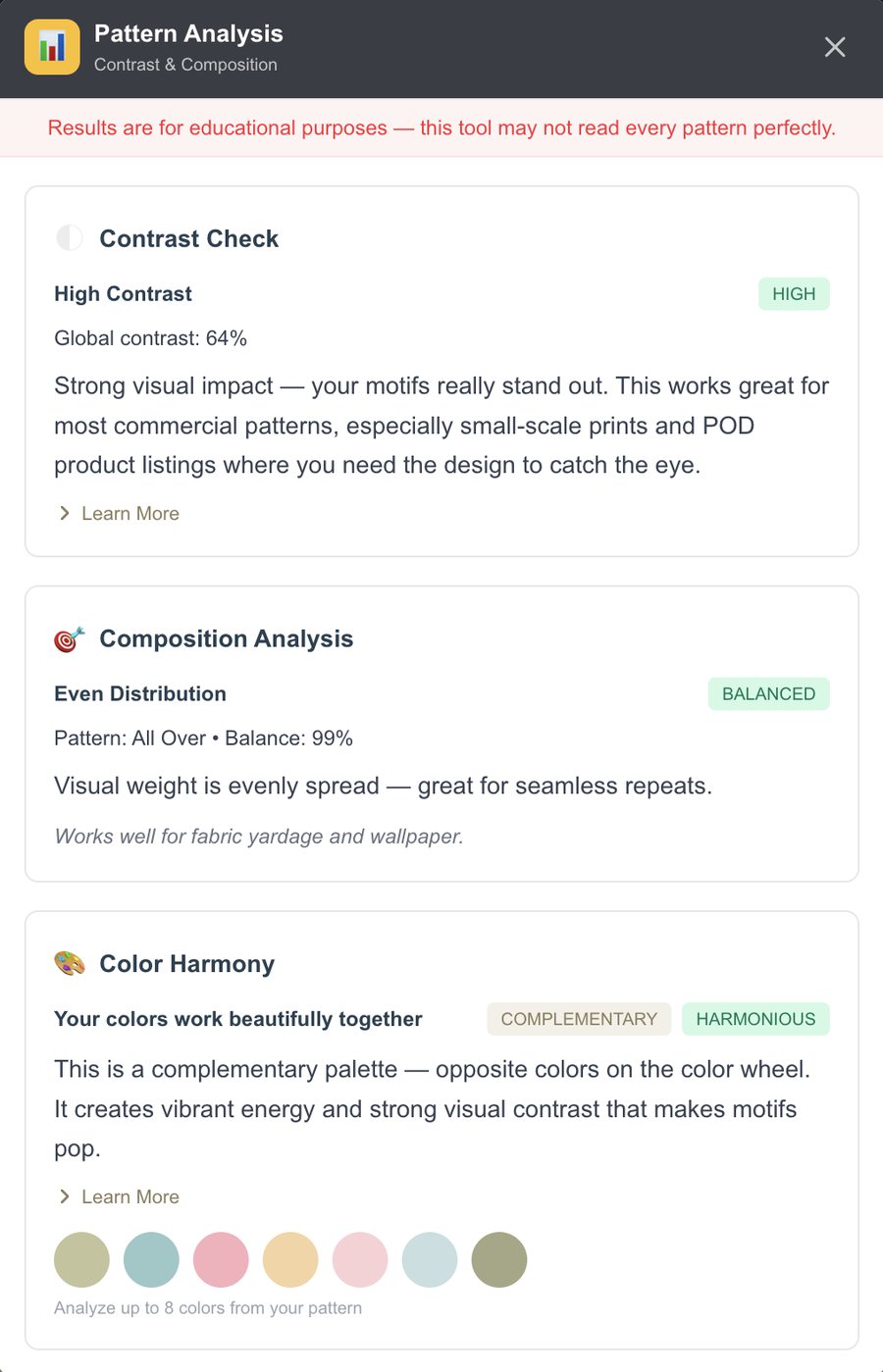
Color harmony, contrast, and composition checks with built-in education. So you don't just get a score, you understand the why.
What Designers Are Saying
Real designers, real workflows, real hours back in their week.
"Let me tell all you designers out there: BUY IT NOW!!! I cannot get over how quick it was and how much time I saved exporting 4 sizes of a 5-design collection in three colorways! Worth. Every. Penny."
"Absolutely LOVING this app! ❤️ I've been loading up patterns into my shop so much faster using PatternPAL!"
"I signed up for a subscription today, and this service is going to save me so much time going forward. It's great in every way!"
Built By A Surface Designer, For Surface Designers
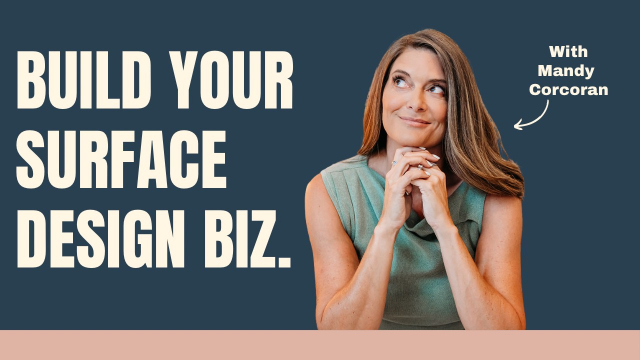
Hi, I'm Mandy 👋
PatternPAL Pro grew straight out of my own frustration. Clunky workflows. Math-heavy export processes. The 2 a.m. anxiety of "did I miss a seam?" before sending a pattern to print.
After 10 years as a surface pattern designer — with patterns sold at HomeGoods TJ Maxx and Nordstrom Rack — and 3 years teaching this craft to thousands of students, I kept seeing the same problem: designers stuck wrestling expensive software that wasn't built for what we actually do.
So I built the tool I wished existed. Test, mockup, watermark, export — all in one place, without uploads, without Photoshop, and without AI ever touching your art.
Today, 354+ designers use PatternPAL Pro as their Print Approval Lab — to gut-check repeats, export faster, and feel confident sending designs out into the world.
Who It's For
If you're sending pattern files anywhere or selling anything you've designed, PatternPAL Pro has your back.
Cricut & Silhouette Designers
Production-ready exports that solve the Silhouette white grid bug automatically and import at the correct size in Cricut Design Space every time.
Spoonflower & POD Sellers
Test repeats at the exact sizes Spoonflower, Printful, and Redbubble require. Then create scroll-stopping previews to send traffic back to your shop.
Digital Paper Makers
Beautiful 12×12" papers at 300 DPI with correct metadata and commercial-use settings so your buyers' files always import the way they should.
Textile & Wallpaper Designers
Test designs at actual print scale, analyze color and composition, and create portfolio-worthy mockups without ever opening Photoshop.
Etsy & Shopify Shop Owners
From tile to Instagram-ready product mockup in under 60 seconds. Test, mockup, watermark, present — all from one tab.
Surface Pattern Teachers
Free accounts for unlimited testing. Pro for advanced assignments. Built-in education that helps students actually learn the why.
Choose How You Want To Use PatternPAL
Start free. Stay free as long as you want. Upgrade when you're ready to send files to clients, printers, and shops. No credit card required to begin. Cancel anytime, no contracts.
Try It Free
Run a few tests. Decide if PatternPAL fits your workflow.
- ✓ 3 free pattern tests
- ✓ Pattern preview (full drop, half drop, brick)
- ✓ Real-world scale (2"–24")
- ✓ Eyeflow & composition testing
- ✓ Zoom up to 200%
Free Account
Make PatternPAL part of your daily design workflow.
- ✓ Unlimited pattern tests
- ✓ Everything in Try It Free
- ✓ Quick Export (2 sizes, 150 DPI JPG)
- ✓ Access from any browser
Pro
For designers sending files to clients, printers, and shops.
- ✓ Everything in Free Account
- ✓ Easyscale Export (8+ sizes + custom, batch ZIP)
- ✓ Pattern Fill Export (12×12" digital papers)
- ✓ Social Media Export ✨ (5 platforms, logo watermark + mockup)
- ✓ 29 product mockups + drag-to-position ✨
- ✓ Seam Inspector (full-screen, 800% zoom)
- ✓ Color, contrast & composition analysis
- ✓ JPG / PNG / TIFF at 150 or 300 DPI
- ✓ Cricut & Silhouette production-ready exports
Join 354+ surface designers already using PatternPAL Pro
Cancel anytime from inside the app. No contracts. Keep access through the end of your billing period.
Frequently Asked Questions
Honest answer: yes, and here's why. Photoshop and Procreate are amazing for creating patterns. They're terrible for the production work that comes after — testing repeats at multiple scales, batch-exporting 8 sizes at different DPIs, building product mockups, watermarking for socials, generating platform-specific export files.
PatternPAL doesn't replace your design tool. It replaces the 3-5 hours of busywork after you've designed the pattern. Most Pro users keep designing in Photoshop or Procreate and use PatternPAL for everything that happens next.
No. Your pattern never leaves your computer. PatternPAL Pro is entirely browser-based. All processing happens on your device. Files aren't uploaded to a server, AI never analyzes them, and nothing is stored.
When you close the browser tab, your pattern is gone. Especially important if you're protecting proprietary designs or working under NDA.
Not at all. The Free Account is unlimited and free forever. You can test patterns, preview at print scale, and use Quick Export without paying a cent. Upgrade only when you're ready to sell, license, or send files to manufacturers.
A lot of designers start on the Free Account for months before going Pro. There's no pressure and no expiration on the free tier.
You can create a Free Account for unlimited testing — free forever, no credit card. Upgrade to Pro whenever you're ready for export tools, advanced analysis, and social media features.
$7.99/month or $79/year (which saves you 17%). Cancel anytime, no contracts. You can also try every Pro feature on a real pattern before deciding.
JPG and PNG. Most designers import PNGs from Photoshop or Procreate, or JPGs from any design software. Pattern size doesn't matter. PatternPAL automatically scales and tests at any size from 2" to 24".
Upload your logo file (PNG, transparent PNG, or JPG). Two controls: size slider and opacity slider. Position is fixed bottom-center. That's it. No fonts to pick, no color decisions, no fiddling.
The logo is session-only and never saved to your account or any server, which is intentional. Privacy first. Re-upload each session, knowing your brand assets stay on your computer.
Yes, and this is one of my favorite Pro features. PatternPAL Pro exports are specifically built for both platforms:
- Pattern Fill Export creates 12×12" digital papers in Cricut/Silhouette-ready formats
- Smart rendering eliminates the Silhouette Studio white grid line issue automatically
- Correct DPI metadata means files import at the right physical size in Cricut Design Space every time
- Commercial-ready indicator tells you when files are marketplace ready
Whether you're making digital papers for scrapbooking or fabric designs for POD, you'll get production-ready files.
Easyscale Export creates multiple pattern sizes in one batch. Choose from 8 preset sizes (2"–24") or type any custom size in inches, centimeters, or pixels. Pick your format (JPG, PNG, or TIFF) and DPI (150 or 300). Built-in upscaling protection warns you if a size would lose quality. Half Drop and Half Brick tiles auto-convert to Full Drop for POD platforms that require it.
Hit export and everything downloads as a single ZIP. What used to take 3–5 hours in Photoshop takes about 60 seconds.
It's a Pro feature that generates correctly-sized pattern preview images for Instagram, Pinterest, TikTok, Stories, and more, with your uploaded logo watermark and a product mockup overlay already baked in. No Canva, no Photoshop, no manual resizing.
Pick from 5 platform-optimized sizes. Each has its own scale control. Upload your logo for the watermark (size and opacity controls). Optionally drop a product mockup on top, with a different mockup per platform if you want.
Export one size or all five at once (multi-size downloads arrive as a ZIP). Tile to professional, branded, platform-ready content in under 60 seconds.
29 mockups total, organized by category:
- Apparel: Baby Onesie, Girls' Dress, Girls' Tiered Dress, Boys' Swim Trunks, Boys' Pajamas, Kids' One-Piece Swimsuit, Apron, Men's Tie, Men's Dress Shirt, Women's Blouse
- Home Goods: Throw Pillow, Curtain, Picnic Blanket, Duvet Cover, Ceramic Mug (Front + Angle), Tea Towel (Hanging + Folded)
- Fabric: Fabric Swatch, Silk Scarf
- Wallpaper: Entry Wallpaper, Nursery Wallpaper
- Gifting: Wrapping Paper (Gift Box), Wrapping Paper Roll, Gift Bag
- Stationery: A5 Journal, Desk Mat
- Accessories: Phone Case, Tote Bag
Every mockup supports drag-to-position so you can align the pattern exactly where you want on the product.
Yes. No contracts, no hidden terms. Cancel your Pro subscription anytime from inside the app and you'll keep access through the end of your billing period.
Absolutely. PatternPAL Pro is built for commercial use. Export your patterns and sell them on Etsy, Spoonflower, Cricut Design Space, or use them in your own product lines. The tool is just for testing and exporting. The design is 100% yours.
Ready To Stop Bouncing Between Five Apps?
Run your first pattern through PatternPAL right now. Three tests free. No credit card. No account required. See the difference before you decide a thing.